Taskade
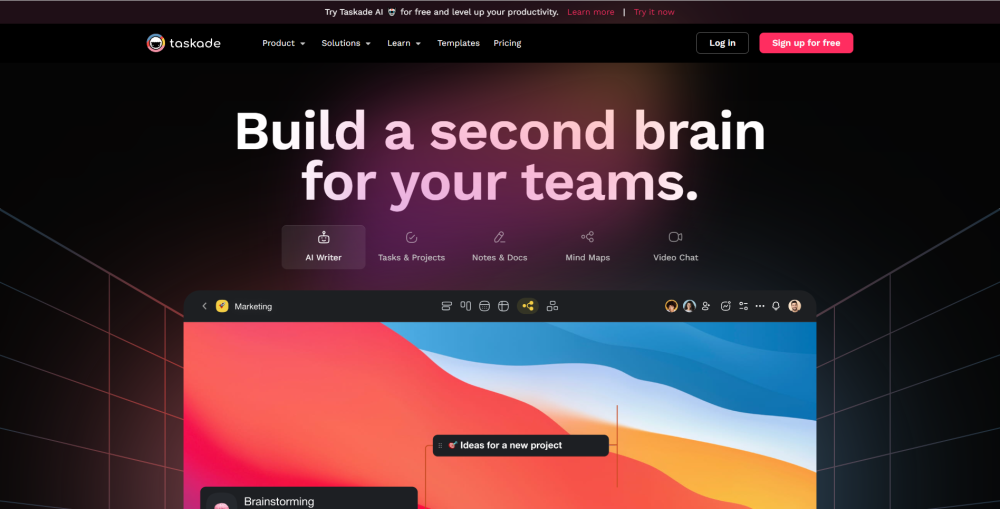
Taskade is a platform that improves team productivity with AI assistance and various features.
(5.0)
- Added on
- Mar 07 2023
- Monthly Visitors
- 1,281.0K
Description
What is Taskade?
Taskade is an AI-powered productivity platform that helps teams work faster and smarter. It offers generative workflows, task automation, connected knowledge, and real-time collaboration in a single, unified workspace. With Taskade, you can unlock the power of AI assistance for tasks, notes, mind maps, and more.
How to use Taskade?
To use Taskade, simply sign up for free and log in to your account. Then, you can create projects and tasks, collaborate with your team members, and automate your workflows using AI. Taskade is accessible on all devices, including Android, iOS, Mac, Windows, Linux, and offers a range of features to enhance productivity.
Taskade Core Features
- Generative workflows
- Task automation
- Connected knowledge
- Real-time collaboration
- AI assistance for tasks, notes, mind maps, and more
FAQ from Taskade
Yes, Taskade offers a powerful Mind Map view that allows you to easily map out tasks, visualize work, and switch between multiple project views. You can even embed a real-time mind map onto your blog, company portal, or websites.
Taskade is a versatile tool that can be used for both personal to-do lists and team projects. It helps you keep track of tasks, jot down notes, and collaborate with your team in one place. With customizable to-do lists, different project views, and built-in chat and video call features, Taskade simplifies your work and boosts your productivity.
Absolutely! Taskade integrates with popular calendar services like Apple Mail, Google Calendar, and Outlook, allowing you to share project calendars and workspaces with your team. You can collaborate in real-time, add new tasks, set reminders, and keep everyone on the same page.
Yes, Taskade is fully cross-platform and can be accessed from any device. Whether you're on your mobile device, desktop, or web browser, Taskade offers seamless syncing between all apps. You can start a task on one device and continue on another without any limitations.
Yes, Taskade supports popular productivity methods like Pomodoro, Getting Things Done (GTD), Kanban, and Build a Second Brain. You can customize your workflow and use Taskade to implement your preferred method or framework.
Yes, Taskade offers over 500 customizable templates across various categories, including project management, brainstorming, team management, and more. These templates can be tailored to suit your specific projects and tasks.
Taskade allows you to easily print or export your to-do lists, projects, mind maps, and kanban boards. You can export them in PDF, image, text, and more formats, making it convenient to take your tasks with you or display them on your wall.
Yes, Taskade can be used as a simple and streamlined to-do list app for personal use. You can also invite team members to collaborate on your lists and projects, making it a versatile tool for both personal and team productivity.
Yes, Taskade allows you to create unlimited levels of subtasks and checklists. You can organize your projects, indent tasks, and fold/unfold subtasks as needed. Taskade helps you turn chaotic to-do lists into a clear, organized series of steps.
Analytic
Estimated monthly visits
Traffic Sources
Top Country Shares
Alternative



Videos

How I Make $22,000/Month AI Story Videos with ChatGPT

How I Read Over 100 Books a Year (Speechify)

Fotor Tutorial: AI Photo Editor
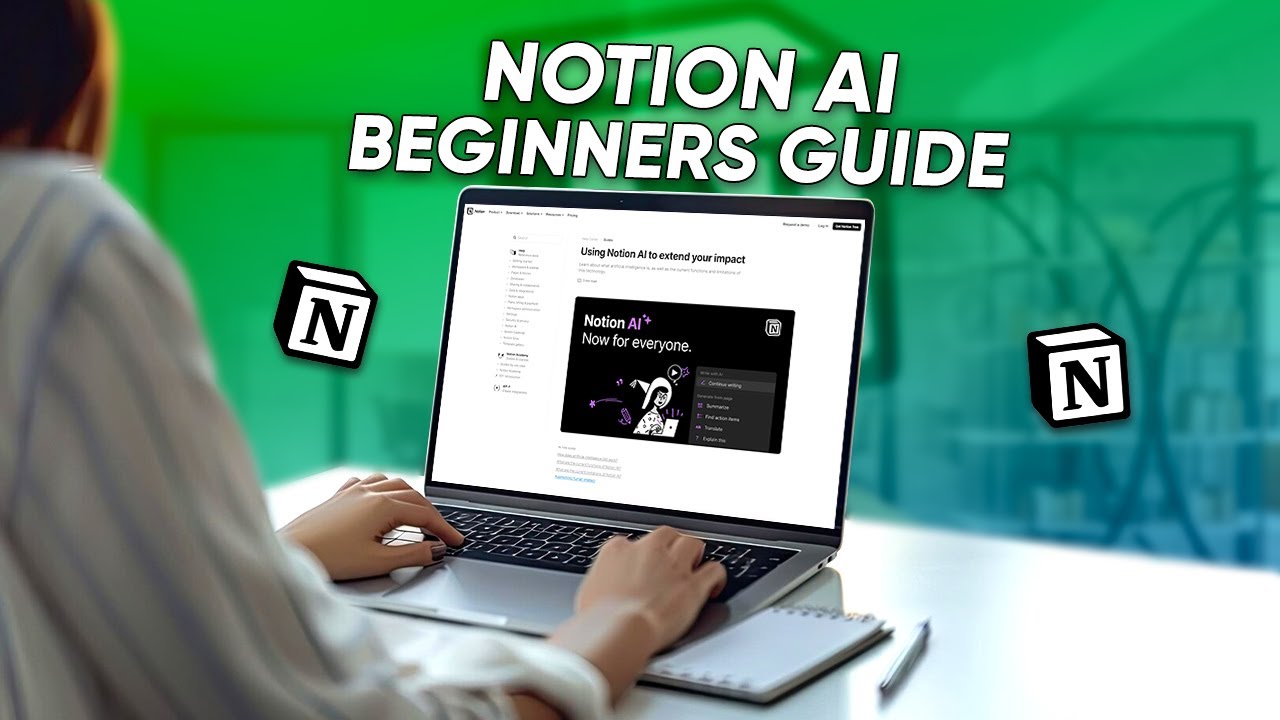
Notion Ai Tutorial | Full Guide For Beginners
How To Use Perchance AI
Articles

10 ChatGPT Prompts to Finish Hours of Work in Seconds
In the fast-paced digital world, efficiency is king. As professionals, we constantly seek ways to streamline our workflows and maximize productivity. Enter ChatGPT, an AI language model that can revolutionize how you approach your tasks. Here are ten prompts that can transform hours of work into seconds.
Read more
GPT-4o vs ChatGPT-4 vs Gemini vs Perplexity AI vs CoPilot
OpenAI’s launch of GPT-4o marks a significant milestone in the evolution of artificial intelligence technology. This new model, introduced in May 2024, builds on the foundations of its predecessors by integrating advanced multimodal capabilities that promise to revolutionize how we interact with machines.
Read more
7 Best Ways to Use ChatGPT Custom Instructions
Have you ever thought of customizing how ChatGPT, the most advanced conversational AI platform that has created its influence all over the world, responds to your queries? Whether your ChatGPT responses are more aligned with your role, tone, style, or goals, making them more engaging and appealing, If yes, then you are in benefit because of ChatGPT’s new feature that lets people do that, which is the ChatGPT custom instructions.
Read more
How To Use ChatGPT To Make Money in the Stock Market
Artificial intelligence is creating waves in the technology world. Many industries use ChatGPT to automate monotonous and tedious tasks, and you can use ChatGPT To Make Money in the Stock Market.
Read more
10 Best ChatGPT Plugins You Should Use
ChatGPT is a Natural Language Processing tool released by OpenAI in 2023. Almost like a human, this tool can interact with the person by its ability to answer follow-up questions, admit mistakes, correct responses challenge incorrect premises, reject inappropriate requests, and much more. With these abilities, ChatGPT has become a very powerful and popular tool for a wide range of applications.
Read more